
A successful website should be more than visually attractive. It should be easy to navigate, understand and use for everyone, regardless of their abilities, age or preferred device. As businesses continue to invest in digital experiences in 2026, website accessibility is becoming an essential part of modern web design and development.
Website accessibility means creating digital experiences that allow people with different abilities to access information and interact with online services. This includes people with visual, hearing, motor or cognitive disabilities, as well as users who experience temporary limitations or use different assistive technologies.
For businesses, inclusive design is not simply a technical consideration. It is an opportunity to improve user experience, reach a wider audience and build a stronger digital presence.
What Is Website Accessibility?
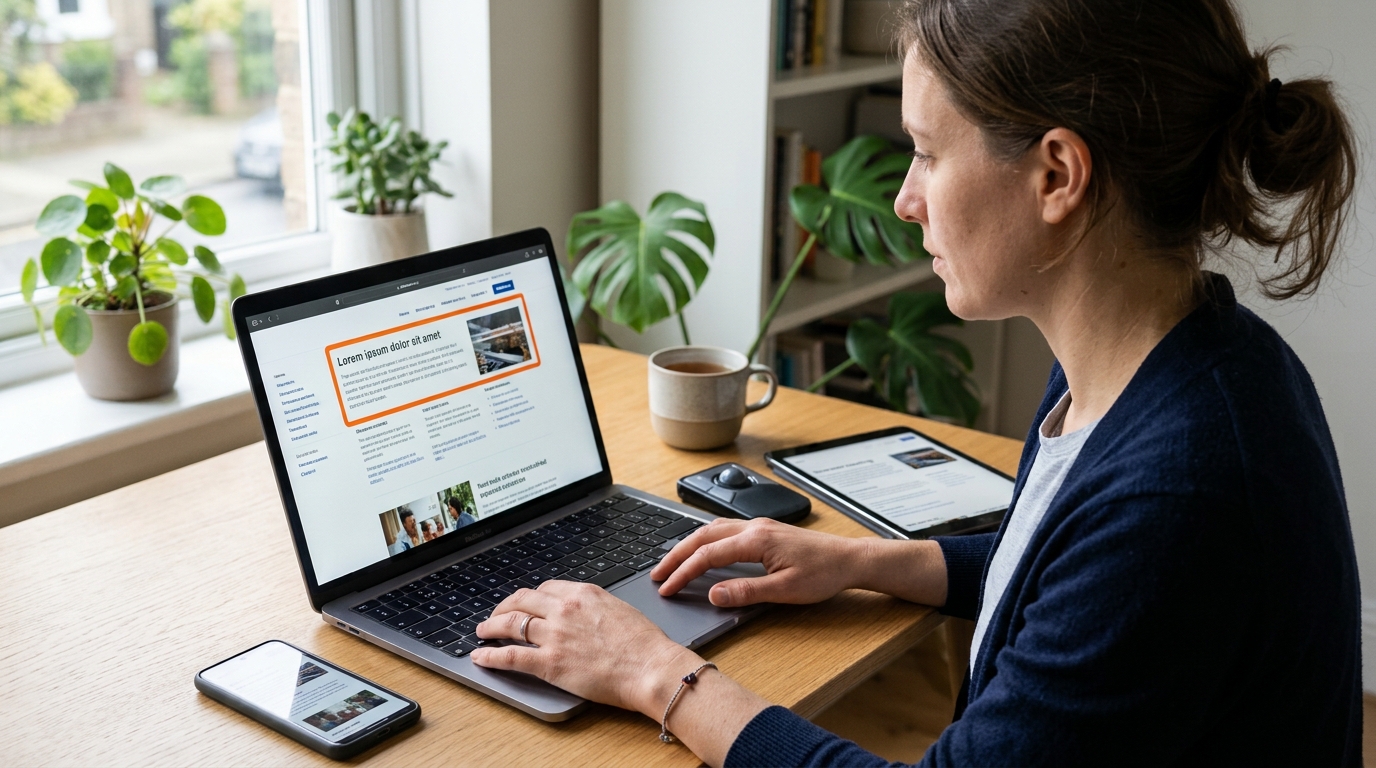
Website accessibility refers to the practice of designing and developing websites that can be used by as many people as possible. An accessible website considers different ways users interact with digital content, including keyboards, screen readers, voice commands and other assistive technologies.
The Web Content Accessibility Guidelines (WCAG), developed by the World Wide Web Consortium (W3C), provide an internationally recognized framework for improving web accessibility.
WCAG 2.2 organizes accessibility around four fundamental principles:
- Perceivable: Information and interface elements must be presented in ways users can perceive, such as providing alternative text for images.
- Operable: Users must be able to navigate and interact with website features using different input methods, including a keyboard.
- Understandable: Content, navigation and website functionality should be clear, consistent and predictable.
- Robust: Websites should work reliably with different browsers, devices and assistive technologies.
These principles provide a practical foundation for creating more inclusive digital experiences.
Why Website Accessibility Matters for Businesses
Accessibility benefits more than users with permanent disabilities. It can also improve the experience of older visitors, people using mobile devices in difficult conditions and users with temporary physical limitations.
Reach a Wider Audience
When websites are difficult to navigate or understand, potential customers may leave without finding the information or services they need. Accessible design helps reduce unnecessary barriers and allows more people to explore products, services and business information.
Improve User Experience
Clear navigation, readable typography, descriptive links and well-structured content make websites easier to use. These improvements benefit visitors across different devices and browsing environments.
Strengthen Brand Reputation
Businesses that consider accessibility demonstrate a commitment to inclusive digital experiences. This can contribute to a more positive brand perception and help build trust with customers and partners.
Support Digital Compliance
Accessibility requirements and legal obligations vary depending on the country, industry and type of organization. Following recognized accessibility standards can help businesses identify potential issues and prepare their websites for applicable requirements. However, technical improvements alone do not guarantee legal compliance.
Essential Website Accessibility Features in 2026
Creating an accessible website requires attention to both visual design and technical development. Several practical improvements can make a significant difference.
Readable Typography and Color Contrast
Text should be easy to read across different screen sizes. Designers should choose appropriate font sizes, clear typefaces, sufficient spacing and strong color contrast between text and backgrounds. Information should never rely on color alone to communicate important messages.
Alternative Text for Images
Images that communicate meaningful information should include descriptive alternative text. Screen readers use these descriptions to help users understand visual content. Decorative images can be handled differently so they do not create unnecessary interruptions.
Keyboard-Friendly Navigation
Not everyone uses a mouse or touchscreen to browse the internet. Menus, buttons, forms and interactive elements should be accessible through keyboard navigation. Visible focus indicators also help users understand which element is currently selected.
Accessible Forms and Clear Error Messages
Contact forms, registration pages and online checkout processes should include clear labels and understandable instructions. When users make mistakes, error messages should explain what needs to be corrected rather than simply displaying an unclear warning.
Captions and Multimedia Alternatives
Videos should provide captions for spoken content, while important audio information should have suitable alternatives. This makes multimedia experiences more accessible to people with hearing difficulties and users who cannot listen to audio in their current environment.
Responsive and Touch-Friendly Design
Websites should remain usable across smartphones, tablets and desktop computers. Buttons and interactive elements need sufficient size and spacing, while layouts should adapt without hiding important information or functionality.
The Connection Between Accessibility, SEO and User Experience
Website accessibility and search engine optimization have different objectives, but they share several good practices. Both benefit from clear content structures, meaningful headings, descriptive links and properly organized information.
For example, descriptive image alternative text provides useful context for visitors using screen readers. Logical heading structures make content easier to navigate, while clear page titles and internal links help users understand how information is organized.
Accessible websites can also provide a smoother mobile experience through readable text, usable navigation and well-designed interactive elements.
However, accessibility should not be treated as a direct guarantee of higher search rankings. Its value comes from creating a better overall digital experience while supporting sound website development practices.
How Businesses Can Evaluate Website Accessibility

Improving accessibility starts with understanding how people actually use a website. Businesses should combine automated testing with manual evaluation rather than relying on a single tool.
A practical accessibility review can include:
- Checking text and background color contrast.
- Testing website navigation using only a keyboard.
- Reviewing image alternative text and descriptive links.
- Checking headings, page structure and HTML semantics.
- Testing forms, buttons and error messages.
- Reviewing captions and alternatives for multimedia content.
- Testing pages with screen readers and different assistive technologies.
- Checking usability on mobile devices and different screen sizes.
Automated accessibility tools can identify common technical problems, but they cannot detect every usability barrier. Human testing remains important for understanding the complete user experience.
Why Accessibility Should Be Part of the Website Design Process
Accessibility is most effective when considered from the beginning of a digital project rather than added as a final correction. Including accessibility requirements during planning, wireframing, visual design and development can help teams avoid expensive redesigns and reduce technical limitations.
Designers should consider readable layouts, clear navigation and consistent interface elements. Developers should implement semantic HTML, accessible interactive components and appropriate labels. Content teams should prepare meaningful headings, descriptive links and alternative text.
Regular reviews are also important because websites change over time. New pages, plugins, marketing campaigns and design updates can introduce accessibility problems if they are not evaluated.
The Future of Inclusive Digital Experiences
As digital services become more interactive, accessibility will remain an important consideration in website development. AI-powered interfaces, chatbots, personalized content and new browsing technologies create additional opportunities to improve digital experiences, but they also introduce new challenges.
Businesses should ensure that emerging technologies remain usable with assistive tools and do not create unnecessary barriers. Accessibility testing should evolve alongside website functionality, helping organizations maintain consistent experiences as digital platforms change.
Ultimately, inclusive design is not a temporary web design trend. It is an ongoing approach to building digital services that work for a broader range of people.
Conclusion: Build Better Websites Through Inclusive Design
Website accessibility is an important part of creating effective digital experiences in 2026. By improving navigation, readability, forms, multimedia and technical compatibility, businesses can make their websites easier to use while strengthening their digital presence.
At Pimclick, we believe that successful digital experiences combine creativity, technology and usability. Whether developing a new website or improving an existing platform, integrating accessibility into the design and development process helps create more inclusive and effective online experiences.
Looking to improve your website's digital experience? Discover how thoughtful web design and development can help your business build a more accessible, user-friendly online presence.